My phone is full of ADHD apps
I no longer open.
There is a folder on my phone called "Productivity". It holds eleven apps. I use three. The other eight sit there like ghosts: installed on an enthusiastic evening, opened two or three times, then forgotten. Todoist, Notion, a Pomodoro app, two habit trackers, a gamified planner with little monsters to feed. Each one was supposed to be the one that changed everything.
If you search for the best ADHD apps, you will land on lists of twenty tools rated out of five stars. That is not what you will find here. I am going to tell you what I actually use, what I dropped, and above all why the ADHD brain installs so many apps and keeps so few. Because understanding that is more useful than the next app to download.
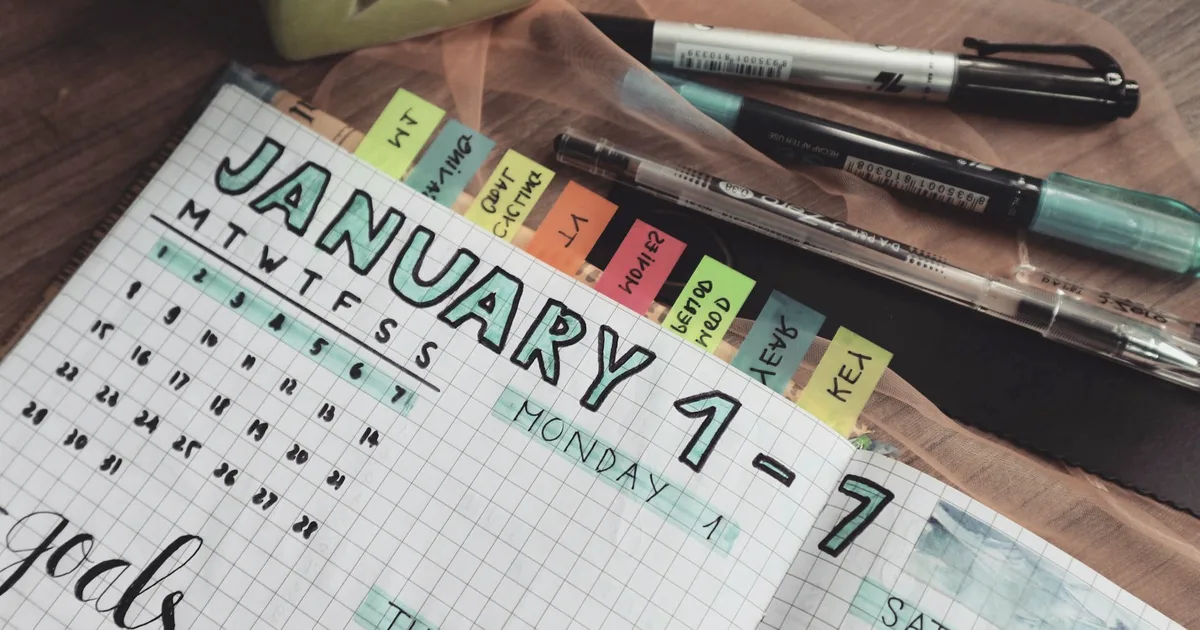
Why do ADHD apps end up abandoned?
The ADHD brain loves novelty. A new app is a promise, a clean interface, a fresh system where everything will finally fall into place. Installing it brings a small hit of dopamine. For a few days, I sort, I tidy, I configure. It almost feels good. It is also the trap.
Because once the novelty fades, the app does not change my life. It asks something of me: opening it every day, entering my tasks, keeping it current. That regular, invisible effort is exactly what ADHD struggles to provide. Russell Barkley describes ADHD as a disorder of performance, not of knowledge. I know what to do. Doing it consistently, without a prompt, without a nudge, that is the real obstacle. No app solves it for me.
There is a name for this cycle: tool-hopping. You jump from one tool to the next, believing the next will be the right one. Every time, the setup phase hands back the illusion of control. Every time, the upkeep eventually collapses. And you blame the app, or you blame yourself, when the problem is structural.
What I slowly understood: an app is not a system. It is a tool that plugs into a system. If there is no habit behind it, the most powerful app in the world stays a dead folder on my screen. I go into this further on the page about organizing with ADHD, because it is the foundation everything else rests on.
Which task and reminder apps do I keep?
What survived for me is the most ordinary reminders app possible: the one already installed on the phone. Apple Reminders, or Google Tasks depending on the device. No dedicated ADHD app, no gamification, no dashboard. The rule I landed on: the more features an app has, the more decisions it asks of me, and every decision is a chance to drop out.
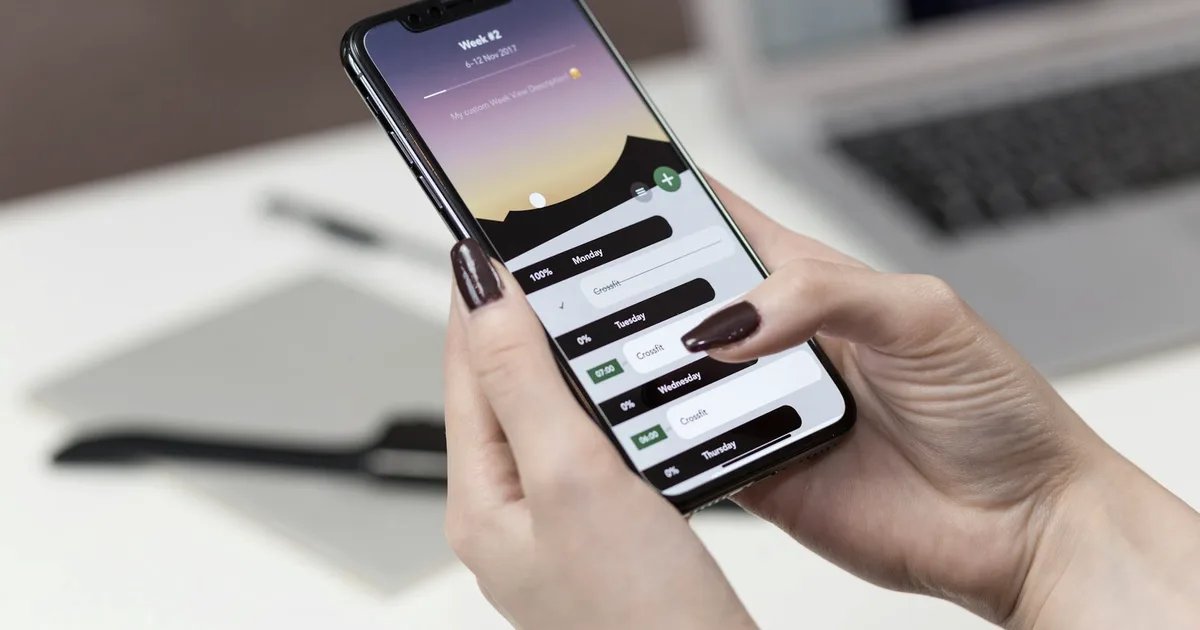
The reminder with a trigger
The feature that helped me most is not the task list. It is the reminder attached to a time or a place. "Take the laundry out at 7pm." "When I get home, take my meds." A reminder with no trigger, I push it back. A reminder that goes off at the right moment catches me by surprise and forces me to act. The difference is huge.
Quick capture
An idea, a task, something I must not forget: if I do not write it down within ten seconds, it disappears. So I need an app that opens fast and accepts anything without asking me to file it. I sort it later. The native notes app does this very well. An app that is too structured slows me down at that precise moment, and the friction is enough to lose the thought.
What I dropped
Complex task managers, with projects, subprojects, labels, priorities, dependencies. On paper, perfect. In practice, I spent more time organizing the system than doing the tasks. And gamified habit apps: for the first few days the badges motivate, then I break the streak, and the guilt makes me avoid the app for good. Gamification assumes a consistency I do not have, so it ends up punishing me.
Paper planner or digital planner for ADHD?
This is the question that comes up most. The honest answer: both work, for opposite reasons, and the trap would be to think you must pick a side.
What digital does better
The digital calendar follows me everywhere, sends notifications, and syncs across my devices. For appointments with a precise time, nothing beats it. An alarm thirty minutes ahead, I cannot ignore it. A paper planner left on the desk never once reminded me of an appointment.
What paper does better
Paper stays visible at all times and never closes. An app, you have to remember to open, and "remembering to" is exactly the function that fails me. An open planner page on the desk, or a weekly sheet pinned to the wall, I see it without having to think about it. For the ADHD brain, what is not visible does not exist. Paper stays visible.
What I actually do
I keep both, with separate roles. The digital calendar handles anything that has a time and needs an alert: appointments, calls, deadlines. A weekly sheet on my desk handles the overview: the three or four important things in the seven days ahead. Digital warns me, paper shows me. The only real danger is writing the same thing in both places with no clear role, because then neither one is reliable. One piece of information, one place.
What tools help with time management?
ADHD distorts the perception of time. Barkley calls it time blindness: the future is blurry, and an hour can feel like five minutes or like forever. The best time management tools I have found do not teach me to estimate better. They make time visible, to compensate for a sense that does not work well.
The visual timer
The tool I use most is a visual timer. The physical Time Timer shows time passing as a red disc that shrinks. It also exists as an app. Watching time disappear, literally, is very different from reading a number counting down. It gives a gentle urgency, an awareness of time my brain does not produce on its own. A kitchen timer does almost the same job for nothing.
The Pomodoro technique
Work twenty-five minutes, then a five-minute break. The strength of the method is not productivity, it is the start. Twenty-five minutes is a small enough commitment to beat the paralysis of getting going. Any timer will do, no dedicated app needed. When the novelty of a Pomodoro app wears off, I always come back to the basic timer. That said, some days even twenty-five minutes feel like a mountain, and that ties into ADHD procrastination, a subject of its own.
Time blocking
Blocking time in the calendar for each activity, including breaks. It sounds rigid, and it is. But an unstructured ADHD day dissolves, especially at work, where I go into my own setup on the page about working with ADHD. The digital calendar is the tool here, but it is the habit of blocking time that matters, not the app.
Body doubling, the least technological tool
The tool that helped me most is not an app. It is body doubling: working in the presence of another person, each on your own task. No help, no collaboration, just a presence nearby.
It sounds absurd until you have tried it. Why would the mere presence of someone doing their own accounts help me do mine? I do not have a solid scientific explanation to give you, and I am wary of the ones that circulate. What I can say is that it works for many people with ADHD, and for me. The presence creates light structure and gentle accountability. Starting becomes easier, and so does staying on task.
In practice: a friend on a video call while you each work on your own side, a coffee shared over a project, or a service like Focusmate that pairs strangers for fifty-minute sessions. The camera stays on, you state your task at the start, you check in at the end. The simple act of saying out loud "I am going to deal with my emails" already commits me more.
I find it striking that the most effective tool I have found is also the least technological. One person, one task, one slot. No app reproduces that, even if some try to organize it.
How to choose a tool without falling back into the trap
I do not have a perfect method, but I have a few guardrails that keep me from reinstalling, for the tenth time, an app I will abandon.
As simple as possible
Between two tools, I take the one that does the least. An app that can only handle reminders will serve me longer than an app that can do everything, because it does not drown me in options. A tool's power is useless if it makes me drop out.
Already on the phone first
Before hunting for the rare gem, I exhaust what is already installed. The calendar, the reminders, the timer, the notes. These native apps are free, reliable, and already there. If they truly do not suffice after a month of honest use, then and only then do I look elsewhere.
The three-month test
I do not judge an app by the enthusiasm of day one, because that enthusiasm always lies. The only question that counts: am I still opening it three months from now? If yes, it is a good tool for me. If not, no matter its qualities, it does nothing in my life.
One new tool at a time
When I change something in my system, I change one thing only. Testing three apps at once guarantees I will keep none of them. The ADHD brain does not track several experiments in parallel. One at a time, long enough to see whether it sticks.
If all of this speaks to you, it is because adult ADHD makes organization counterintuitive: what works for others does not necessarily work for us. The page on adult ADHD and what it really is explains why, and it helps you stop blaming yourself for the abandoned apps.
Frequently asked questions
What is the best app for ADHD?
There is no single one for everyone. The best for you is the one you still open three months from now, not the one with the most features. For me, what stuck was a simple reminders app, a calendar, and a visual timer.
Why do I always abandon organization apps?
The ADHD brain loves novelty. Installing an app gives a dopamine hit and the illusion of control. Once the novelty fades, the app demands regular upkeep, and that is exactly what ADHD struggles to provide. It is not a lack of willpower.
Should I use a paper planner or a digital one with ADHD?
Both work. Paper stays visible at all times and never closes. Digital sends notifications and follows you everywhere. Many keep paper for the overview and digital for the alerts, with a clear role for each.
What tools help with ADHD time management?
Visual timers above all, because they make time visible. A Time Timer, the matching app, or a kitchen timer all work. The Pomodoro technique, twenty-five-minute blocks, mainly helps with starting a task.
What is body doubling for ADHD?
Working in the presence of another person, in person or over video, each on your own task. The presence creates light structure and gentle accountability that help you start and stay focused. Services like Focusmate organize these sessions.
Are free ADHD apps good enough?
Often yes. The calendar, the native reminders app, a timer, and a notes app cover the essentials without paying. Paid versions add comfort, not a change in kind. Check that you still use the free version after a month before paying.
How many apps do I need to get organized with ADHD?
As few as possible. The more tools you stack, the more you have to juggle, and the ADHD brain drops out as soon as there are two systems to maintain. One place for tasks, one for the calendar, one timer. Three, not ten.
References
- Barkley, R. A. (2015). Attention-Deficit Hyperactivity Disorder: A Handbook for Diagnosis and Treatment (4th ed.). Guilford Press. On ADHD as a disorder of performance and the perception of time.
- CHADD (Children and Adults with Attention-Deficit/Hyperactivity Disorder). Organization and Time Management. chadd.org
- ADDitude Magazine. Body Doubling: A Focus and Motivation Tool for ADHD Brains. additudemag.com